
towaway.Login
Turn Tasteinto DesignStandards
amber-300?yellow-300?#D79715Primary?
What Do You Call
This Color?
A color is not just a hex value. In a design system, every color needs a role, a name, and a reason.
Extract the Color
Decision Behind the UI
Start from one visible color and turn it into a structured scale that can be reused across your interface.
#D79715Amber
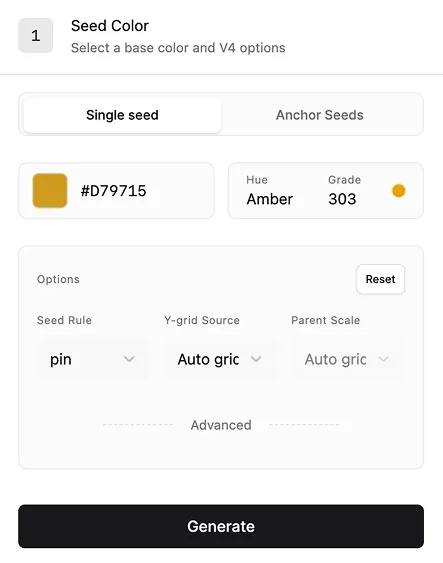
0300·seed1000
3:1
4.5:1
7:1
Apply It
Back to Figma
Define token names, sync them to Figma, and use them as reusable values instead of isolated color picks.
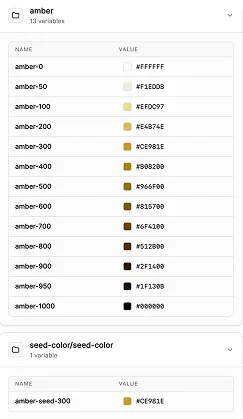
Apply to Figma→↓
Turn Visual Decisions
into Code Assets
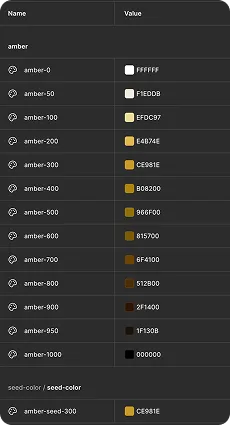
Export your color system as JSON tokens so design decisions can move beyond Figma.
amber13 variables
amber-0 → amber-1000+ amber-seed-300
Export JSON→↓
amber.tokens.json
{
"amber": {
"amber-0": { "$type": "color", "$value": "#FFFFFF" },
"amber-50": { "$type": "color", "$value": "#F1EDDB" },
"amber-100": { "$type": "color", "$value": "#EFDC97" },
"amber-200": { "$type": "color", "$value": "#E4B74E" },
"amber-300": { "$type": "color", "$value": "#CE981E" },
"amber-400": { "$type": "color", "$value": "#B08200" },
"amber-500": { "$type": "color", "$value": "#966F00" },
"amber-600": { "$type": "color", "$value": "#815700" },
"amber-700": { "$type": "color", "$value": "#6F4100" },
"amber-800": { "$type": "color", "$value": "#512B00" },
"amber-900": { "$type": "color", "$value": "#2F1400" },
"amber-950": { "$type": "color", "$value": "#1F130B" },
"amber-1000": { "$type": "color", "$value": "#000000" }
},
"seed-color/seed-color": {
"amber-seed-300": { "$type": "color", "$value": "#CE981E" }
}
}
Color Is Only
the First Layer
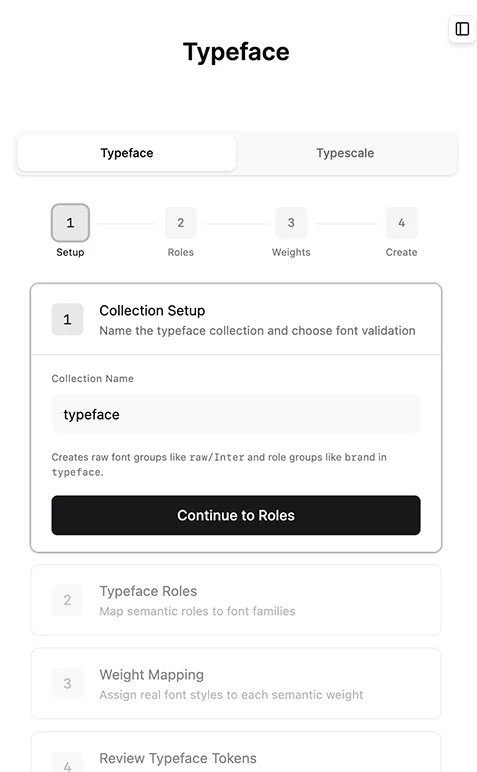
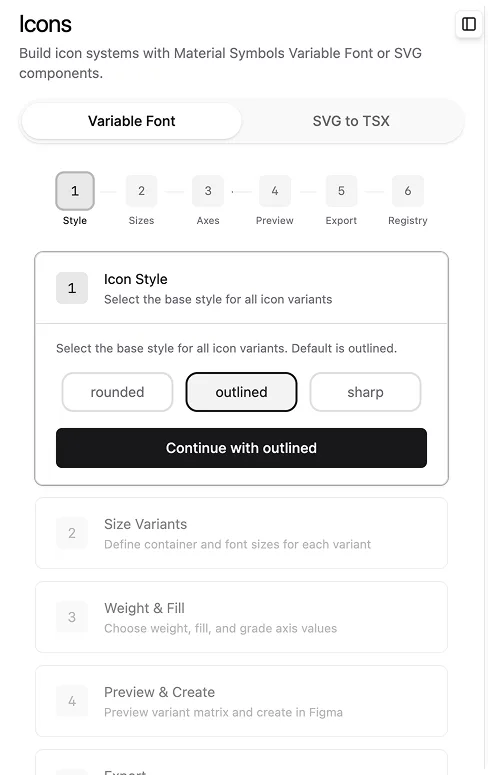
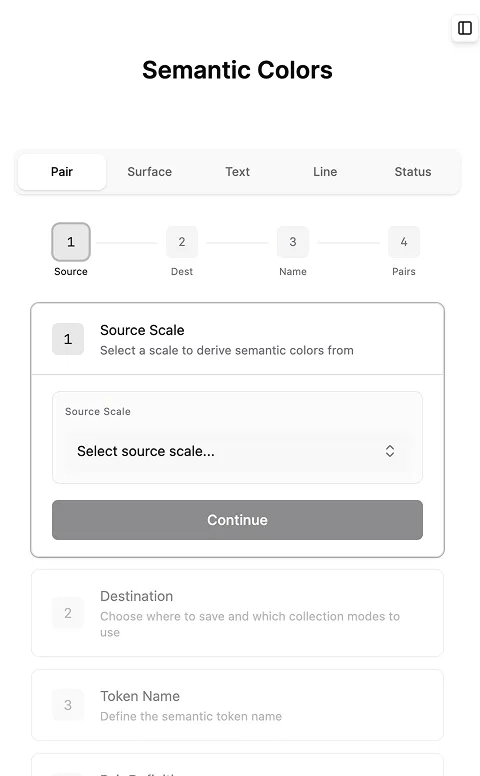
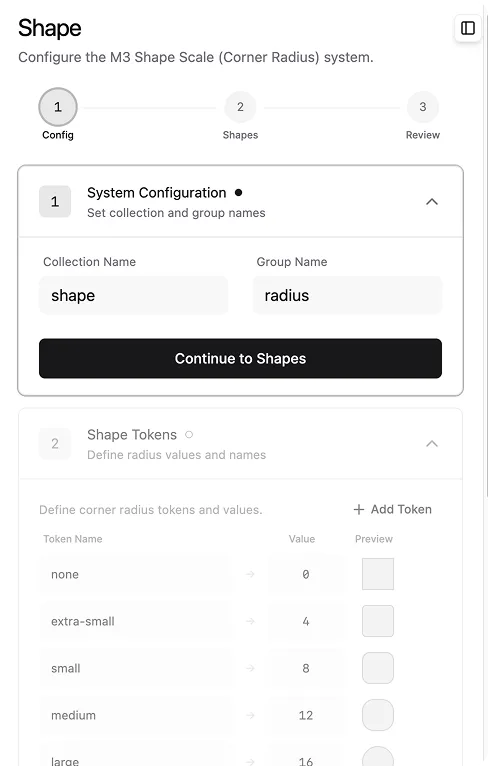
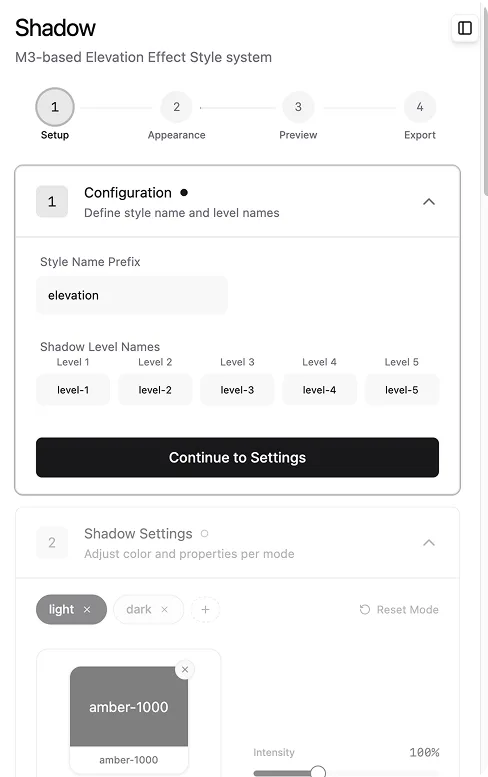
Use the same workflow to structure typography, shadows, icons, radius, spacing, and more.
- Color
- Typography
- Shadow
- Icon
- Radius
- Spacing
- JSON Export
결제 확정
Lemon Squeezy Webhook
영상 보호
Mux signed playback
라이선스
NestJS verification
사용자 / 공개
랜딩 /로그인 /login내 라이선스 /my-license강의 목록 /courses강의 상세 /courses/[slug]레슨 /courses/[slug]/lessons/[lessonId]결제완료 /payment/success안내 /notice환불상태 /notice/refund환불고지 /refund-notice
어드민 (ADMIN 권한)
대시보드 /admin강의관리 /admin/courses사용자 /admin/users거래상세 /admin/transactions/[purchaseId]결제노출 /admin/payment-visibility정책검토 /admin/policy-review
결제 (외부 Lemon Squeezy 리다이렉트)
Next step
프론트 기초가 잡히면 구매 후 학습 화면부터 연결합니다.
1. My Courses에서 구매 확정된 강의만 노출
2. 서버에서 signed playback token 발급 후 Mux Player 재생
3. My License에서 Figma 플러그인 라이선스 상태 확인